grima
grima - whispering into alma's ear with APIs
This project is maintained by zemkat
Grima for developers
The main purpose of grima itself is to make it fast and
simple to write new workflow helpers (grimas). Each grima
is a directory (like MyGrima/) containing files like:
MyGrima.xml- specifying inputMyGrima.php- specifying behaviorMyGrima.css(optional) - stylingMyGrima.md(optional) - documentationMyGrima/images(optional) - supporting image filesMyGrima/splats(optional) - any fancy output
Specifying Input (XML)
If your grima takes input (most do), you can specify those fields using an XML document like the following:
<GrimaForm>
    <Title>Grima: Insert OCLC Number</Title>
    <Field
        name="mms_id"
        label="MMS ID of Bib"
        autocomplete="off"
        required="yes"
        placeholder="Bib to edit..."
    />
    <Field
        name="oclcnum"
        label="OCLC Number"
        autocomplete="off"
        required="yes"
        placeholder="OCLC Number to Insert..."
    />
</GrimaForm>
When you run the grima, this will generate a form like this
one:
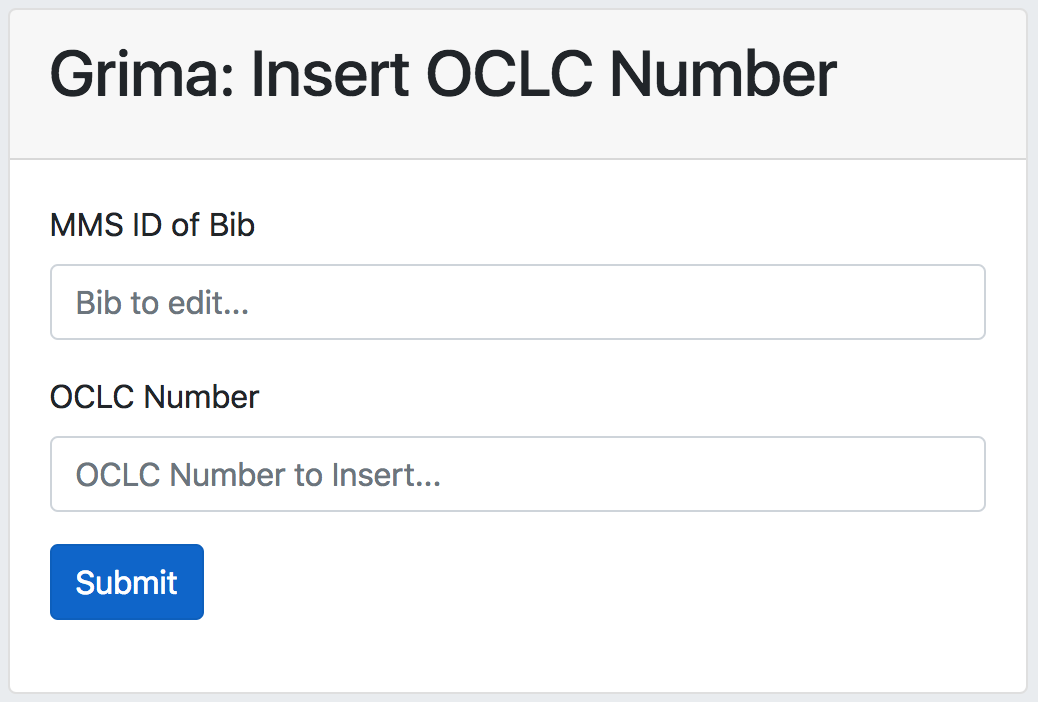
The elements are:
- GrimaForm - the root element of the input description
- Title - Title of the form
- Field - Input field. This is repeatable, so create one for each input.
- name - the name of this field in the PHP
- label - will appear above the textbox
- autocomplete - should this autocomplete? (yes or no)
- required - is this field required? (yes or no)
- placeholder - will appear in gray in the textbox
Specifying Behavior (PHP)
Your grima’s behavior will be specified by its PHP file, like this one for the grima called DeletePortfolio:
<?php

require_once("../grima-lib.php");

class DeletePortfolio extends GrimaTask {

    function do_task() {
        $port = new ElectronicPortfolio();
        $port->loadFromAlmaX($this['portfolio_id']);
        $port->deleteFromAlma();
        $this->addMessage('success',"Deleted portfolio {$port['portfolio_id']}: {$port['title']}");
    }

}

DeletePortfolio::RunIt();
A few notes:
- The file
DeletePortfolio.xmlspecifies a field calledportfolio_id, so we can refer to it as$this['portfolio_id']here. - Objects like ElectronicPortfolio have properties like
portfolio_idandtitlethat we can refer to and sometimes change. See the docs for each object for a complete list. - Once we have created a new object, we can run its methods like
deleteFromAlma,addToAlma,updateAlma. See the docs for each object for a complete list. - After the task succeeds, you should explicitly add a “success” message that will appear to let the user know the task succeeded:
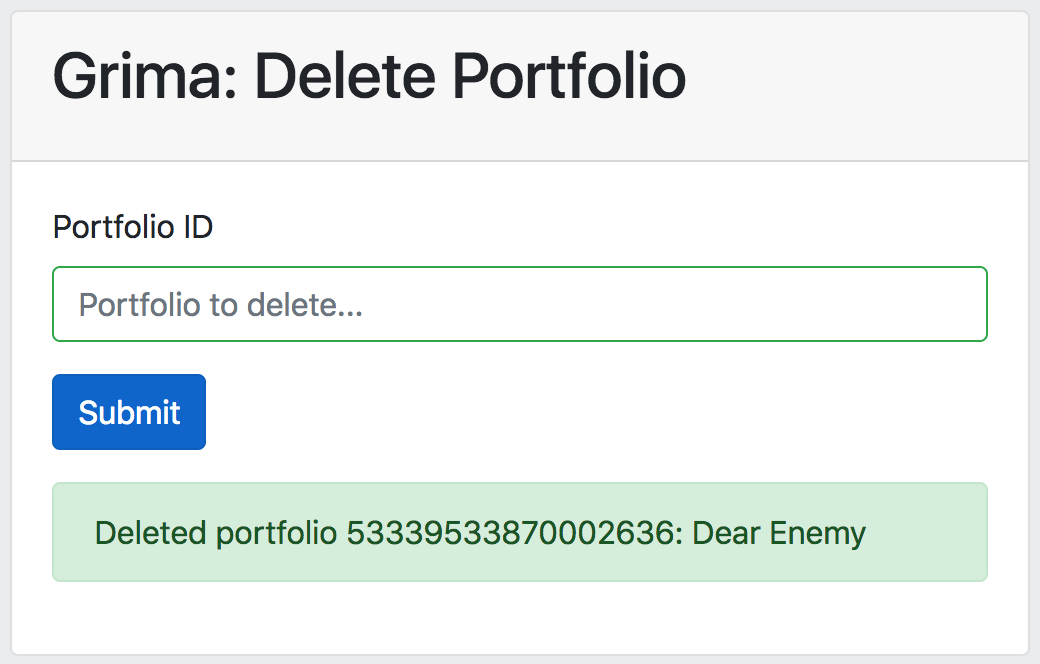
- Other types of messages you can add are
info,warning,error, anddebug. Some of these are used by the Grima library as part of its error checking:
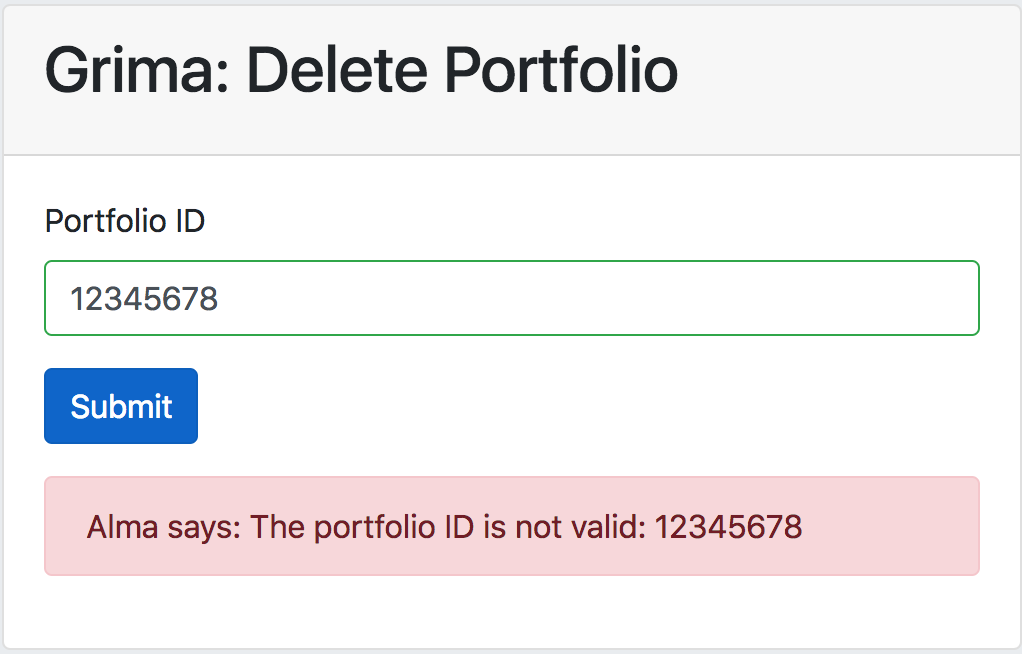
Output: Display with another grima
The default behavior when a grima succeeds is to display the form again
with any messages. If you want to call another grima, you can do this
by overriding the print_success method of the GrimaTask, as is done
in InsertOclcNo:
function print_success() {
    do_redirect('../PrintBib/PrintBib.php?mms_id=' . $this['mms_id']);
}
After the OCLC number has been successfully inserted into the specified record, the newly edited record is displayed using the PrintBib grima so that the user can confirmed that it worked correctly.
Hierarchy is another good choice for displaying a newly modified record tree.
Output: splats template engine
As seen in the above example, you can override the default output behavior
by specifying your own print_success function inside your GrimaTask.
You can also trigger different behavior in print_success using the
splats template engine. See PrintBib,
Hierarchy, and
MoreItems to see this in action.
(Documentation coming soon!)